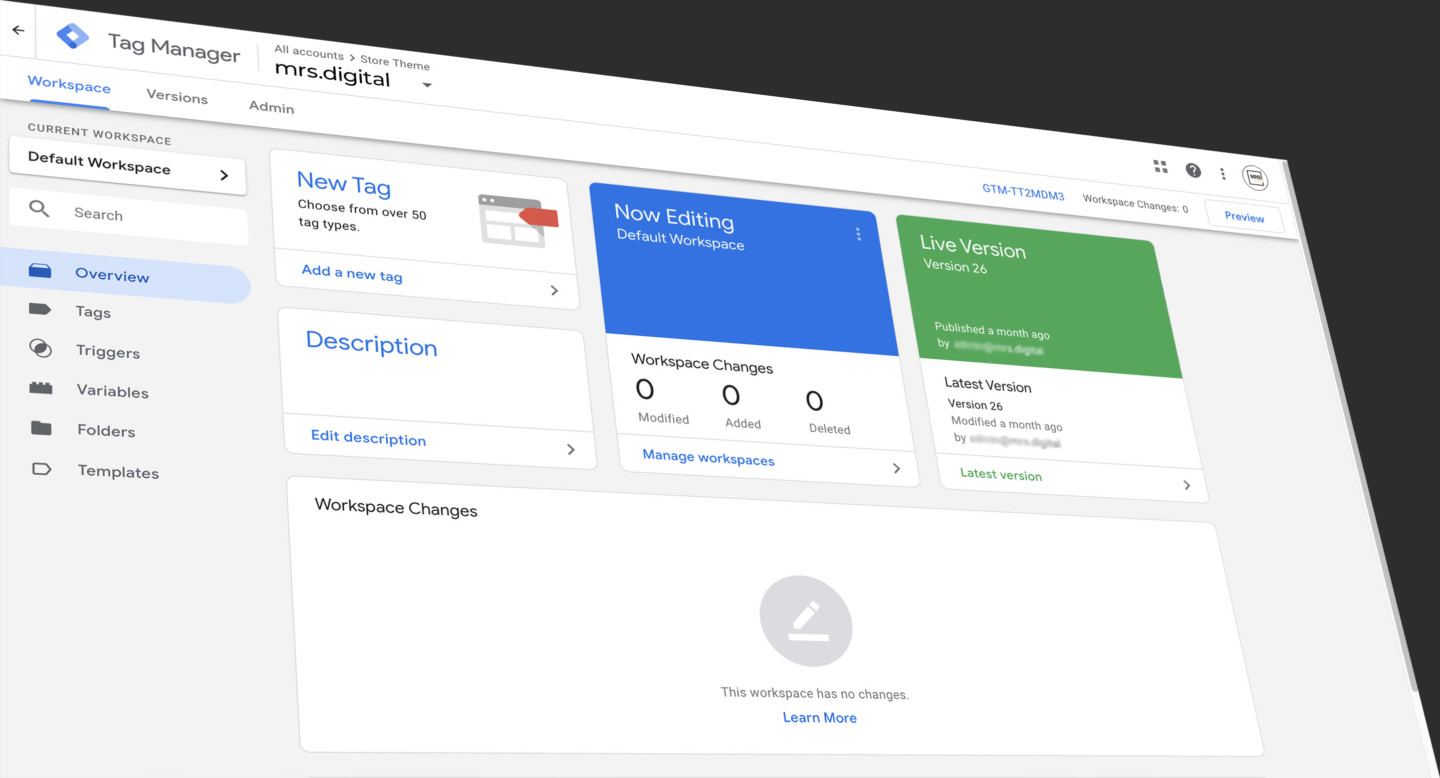
Ten years ago, Google promised marketers freedom. "Install Tag Manager," they said, "and you'll never need developers for tracking again."... they said!
What a load of crap.
I've spent a decade watching marketers struggle with GTM. Not because they're stupid. Because GTM's interface makes no sense unless you already think like a developer.
You want to track a button click? Great. First, figure out what a CSS selector is. Then learn the difference between Click ID, Click Classes, Click URL, and Click Text. Then guess which trigger configuration might work. Then spend two hours in Preview mode watching your event fire three times, or not at all, or on every element except the one you actually clicked.
This is not "simple tag management." This is a developer tool pretending to be marketer-friendly.
Why GTM Actually Sucks for Marketers
The problem isn't that GTM lacks features. It's that using those features requires knowledge you shouldn't need.
Open GTM to track a button click and you're immediately drowning. Click - All Elements or Click - Just Links? Click ID or Click Classes? Fire on 'All Clicks' or 'Some Clicks'? You make your best guess, open Preview mode, click the button, and watch it either not fire at all or fire three times for reasons you'll never understand.
Even when you get it working, you're not sure why it works. Next week when you need to track a different button, you start the guessing game all over again.
Want to track form submissions? You need to understand AJAX responses and data layer structures. Want visibility tracking? Hope you know what Intersection Observers are. Want eCommerce events? Better learn GA4's schema requirements and pray you format the items array correctly.
GTM gives you everything except the one thing you actually need: a way to use it without becoming a developer.
What We Built Instead
We didn't try to make GTM easier to learn. We built the interface that should have existed from day one.
Introducing Tag Companion
For click tracking: Open your website. Click the button you want to track. We generate the selector. You name the event. Done in 30 seconds. No choosing between Click ID and Click Classes. No guessing at trigger configurations. No two-hour debugging sessions. You point. You click. It works on the first try.
For visibility tracking: Select the element you want to track when it appears on screen. We handle all the Intersection Observer setup, the GTM trigger, the event configuration. Import the template. It fires when the element becomes visible.
For AJAX forms: Click your form. Test a submission. Choose which response data to capture. We generate the complete tracking setup—the form listener, the AJAX interception, the data layer push. Import it. Your form submissions track perfectly.
For eCommerce events: Select your product cards, your add-to-cart buttons, your price elements. We generate all 13 GA4 eCommerce events with proper schema formatting. Import the template. Your entire eCommerce funnel is live.
It's the Interface, Not the Tool
GTM is powerful. We're not replacing it. We're fixing how you interact with it.
You don't need to understand CSS selectors to track a button any more than you need to understand TCP/IP to send an email. The technical complexity still exists—we just removed it from your workflow.
You used to spend an hour testing different GTM trigger configurations, hoping one would work. Now you click the element you want to track and it works on the first try.
You used to submit a developer ticket to track your contact form AJAX response. Now you point and click to select what data to capture, import the template, and you're done.
You used to pay a developer $1,200 to implement eCommerce tracking. Now you select your product elements visually, download the complete GTM setup, and go live in 10 minutes.
A Decade Too Late
GTM launched in 2012 with a promise it couldn't keep. Marketers would manage their own tracking without developers.
Reality? Only if those marketers had time to learn developer skills that have nothing to do with marketing.
Tag Companion finally has the interface that makes that original promise true.
Stop debugging triggers. Stop Googling "GTM click tracking not working." Stop asking developers for help with basic tracking.
Point at what you want to track. Click. Watch it work.
That's GTM the way it should have been from the start. That's what we built.