I get it. Google Tag Manager is painful.
You’ve spent hours debugging selectors. You’ve published things that broke. You’ve looked bad in front of stakeholders because a tool made a simple task feel impossible.
At some point, the thought crosses your mind: "Maybe I should just leave GTM."
Before you do that, read this. I’ve already gone down that rabbit hole so you don’t have to waste a week doing it yourself.
The Frustration Is Valid. The Escape Plan Isn’t.
Everything that pushes people to search for GTM alternatives is legitimate.
The complexity is real. The friction is real. The feeling that there has to be something simpler than this is completely understandable.
But here’s what nobody tells you when you’re in escape-fantasy mode:
Every path out of GTM comes with a cost that’s worse than the problem you’re trying to solve.
Most “no-code tracking” tools either don’t do what you think they do, or quietly require you to abandon the infrastructure you’ve already built. They don’t remove complexity, they hide it.
What Actually Shows Up When You Look at the Alternatives
When people try to leave Google Tag Manager, they usually end up looking at the same three categories of tools. Each one fails in a different way.
Enterprise tag managers
Tealium iQ. Adobe Launch.
They’re powerful, no question. They’re also built for companies with dedicated analytics teams, six-figure budgets, and months of implementation runway. Tealium doesn’t even publish pricing. Adobe Launch only makes sense if you’re already deep in the Adobe ecosystem.
If you’re a marketer who just wants to track a button faster, these tools don’t solve your problem. They replace it with a bigger one.
Customer data platforms
Segment is the usual recommendation here.
It’s genuinely good at what it does: routing data, unifying profiles, moving events between systems. But it starts at $120/month, scales to thousands per year for anything meaningful, and complex setups still require developer involvement.
More importantly: it’s not a GTM replacement. It’s a different category entirely. You still need something to collect the events in the first place.
Platform-specific plugins
WordPress analytics plugins. Shopify apps. Landing-page-builder integrations.
These are the only tools that truly feel simple at first. They work, as long as your setup fits perfectly inside their box. The moment you need something non-standard, you’re stuck. And if you ever change platforms, everything you built disappears with it.
The False Choice Marketers Are Forced Into
The marketing tools industry has trained people to believe there are only two options:
Powerful but painful or Simple but limiting
GTM lives on one side. Every alternative lives on the other. Pick your poison.
But this is a false choice.
It assumes the only way to make GTM usable is to replace it. That’s like replacing your entire kitchen because the stove is hard to light. The kitchen works. The stove is the problem.
The Real Problem Has a Name
GTM isn’t broken.
What’s broken is the execution layer between “I need to track this” and “it’s tracking.”
GTM gives you the engine. What it doesn’t give you is a way to configure that engine without understanding how it works under the hood. That missing layer is where marketers get stuck.
No-code GTM alternatives don’t close that gap. They just move you to a smaller engine, with the same missing layer, plus vendor lock-in, plus a new learning curve, plus the cost of rebuilding everything you already have.
What Switching Actually Costs You
This is the part people don’t think about until it’s too late.
You lose GA4 continuity.
Most alternatives either don’t integrate cleanly with GA4 or treat it as secondary. If your business runs on GA4 data, and most do, switching means rebuilding reports or running two systems in parallel.
You lose portability.
GTM containers are standard. They work forever, on any site, with any developer. Proprietary tools lock your tracking inside their platform. Cancel the subscription, lose the tracking.
You still hit the same wall.
Every “simple” tool has a ceiling. Dynamic elements, AJAX forms, non-standard interactions... eventually you’re back to needing technical help. The problem didn’t disappear. You just moved it somewhere fewer people know how to fix it.
You pay more for less.
GTM is free. The alternatives that work at scale cost hundreds per month and climb fast. And the organizational knife twist? You’re now paying recurring fees for a tool that still can’t guarantee you won’t have to explain why something broke.
The Fix Was Never Leaving GTM
If you’re searching for “GTM alternatives,” you’re asking the wrong question. The question isn’t “What can replace GTM?”. It’s “What closes the gap between GTM and me?”
That’s what Tag Companion does.
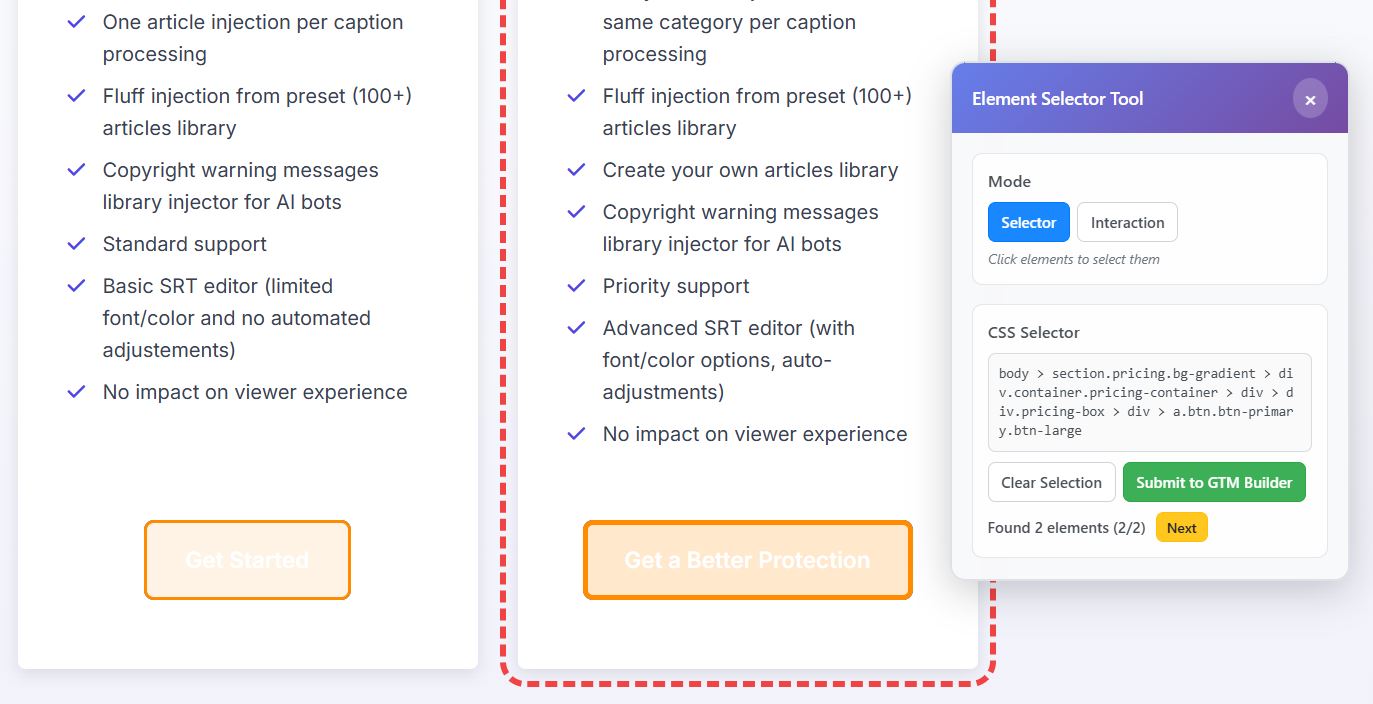
It doesn’t replace GTM. It sits in front of it and removes the steps that make GTM painful for marketers in the first place.
Simple easy steps in human language:
- What do you want to track.
- Where on the page.
- On which page.
- What do you want to call the event.
- Point. Click. Done.
The container it generates is standard GTM. It imports into your existing setup. It works with GA4.
- It works forever, with or without Tag Companion.
- No new ecosystem.
- No vendor lock-in.
- No abandoning what you’ve already built.
Just GTM, finally working the way it should have from the start.
Don’t replace GTM. Fix it.
Tag Companion: Point-and-click Google Tag Manager tracking in 15 minutes.