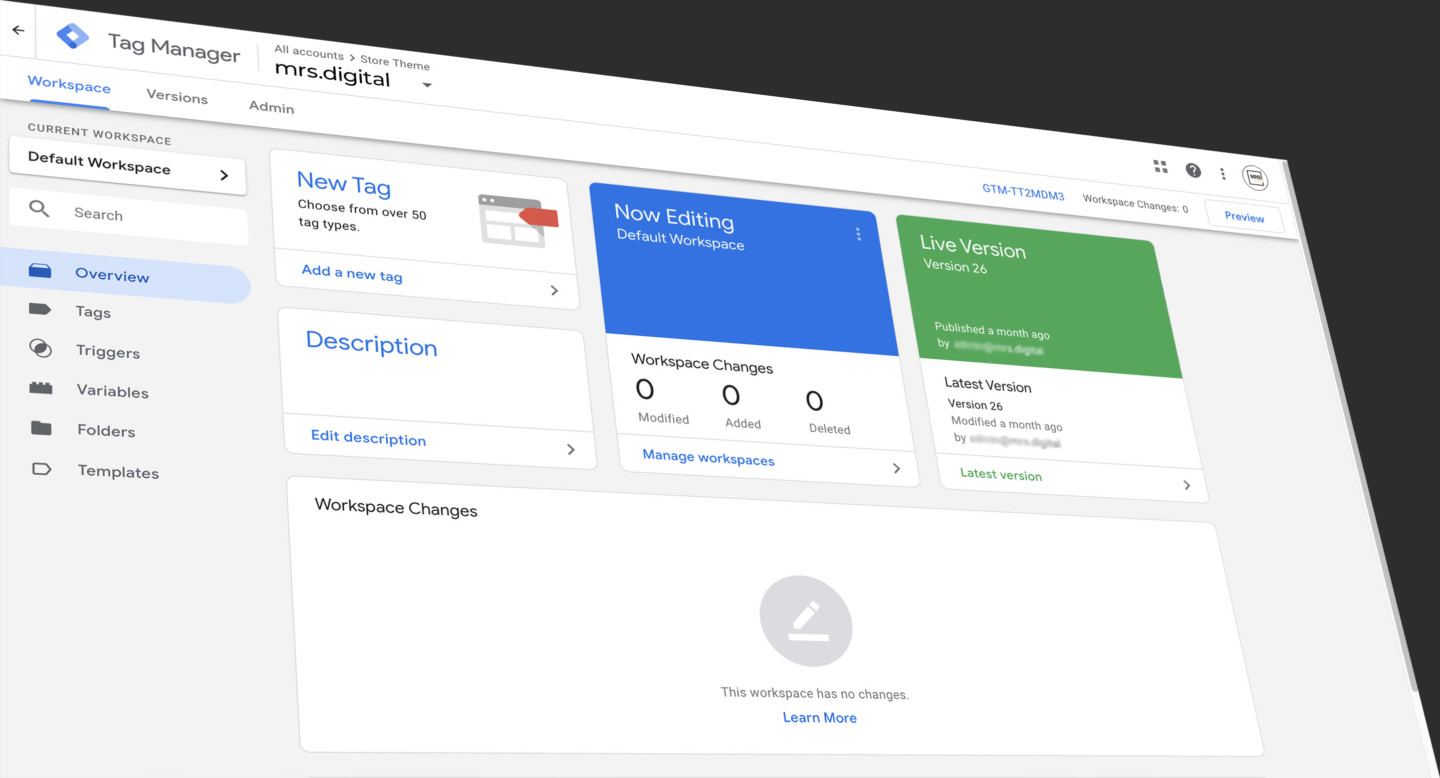
Google Tag Manager is powerful, but let's be honest: it's built for developers. Setting up a simple button click event requires understanding CSS selectors, triggers, variables, and GTM's complex interface. For most marketers, this means either spending hours learning GTM, paying developers $650+ per setup, or just skipping tracking altogether.
Tag Companion eliminates this barrier entirely.
The Problem with Traditional GTM Setup
To track a basic click event in GTM, you need to:
- Inspect your page's HTML to find unique identifiers
- Manually write CSS selectors like
div.container > button.cta:nth-child(2) - Create and configure click triggers
- Set up GA4 Event tags with proper parameters
- Test everything in Preview mode
- Debug when selectors break
This takes 2-4 hours if you're learning GTM, or 30-45 minutes even for experienced developers. And that's just for one event.
How Tag Companion Works
Tag Companion uses a point-and-click workflow that anyone can complete in minutes:
- Install the Website Helper (one-time, 30-second setup via GTM)
- Launch the Website Helper from your dashboard
- Click the element you want to track on your website
- Selector auto-populates in the dashboard (for clicks/visibility) or copies to clipboard (for eCommerce)
- Configure event details in plain language
- Download GTM template
- Import and publish in GTM
Total time: 5 minutes. Technical knowledge required: zero.
What You Can Track
Behaviours Events (Free)
Scroll depth and time on page tracking with customizable thresholds. No Website Helper needed, just configure and download.
Actions Events (Basic Plan, $35/month)
Click Tracking: Track any button, link, or element click. The Website Helper generates the CSS selector automatically and sends it directly to your dashboard form.
Visibility Tracking: Know when elements actually appear on screen. Perfect for banners, CTAs, or product recommendations.
AJAX Response Tracking: Capture form submissions and API responses without writing JavaScript. The Website Helper intercepts AJAX calls, shows response data in a visual tree, and lets you select specific values to track.
eCommerce Events (Pro Plan, $55/month)
All 13 GA4 eCommerce events (add_to_cart, purchase, view_item, etc.) with full parameter support. Click elements to generate selectors, which copy to your clipboard for pasting into parameter fields. Includes beginner/advanced modes and session saving.
The Smart Selector Algorithm
When you click an element using the Website Helper, it:
- Generates a CSS selector using unique attributes, IDs, and classes
- Automatically tests the selector against your page
- Shows visual feedback: green for unique matches, orange for multiple matches
- Refines the selector if needed (just click the specific element you want)
- Sends the tested selector to your dashboard or copies it to clipboard
This happens in seconds with real-time visual feedback.
What You Get in Your GTM Template
Tag Companion generates complete, ready-to-use GTM containers with:
- GA4 Event Tags configured with your event name and parameters
- Triggers (click, visibility, timer, AJAX complete) with exact matching
- Variables for dynamic data capture
- Custom HTML tags for AJAX tracking
- All necessary built-in variables enabled
Import the JSON file, publish, and your tracking works immediately.
Real Example: Add to Cart Tracking
You can track an "Add to Cart" button two different ways depending on what data you need:
Simple Click Tracking (Actions Events)
Use this when you just want to know that someone clicked the button, without product details:
- Navigate to Actions Events, select "Click Tracking"
- Launch Website Helper
- Click your "Add to Cart" button
- Selector auto-populates:
button.add-to-cart[data-product="123"] - Set event name to "add_to_cart_click"
- Generate and download template
- Import into GTM and publish
This sends a simple event to GA4 confirming the button was clicked. Good for basic interaction tracking, but it doesn't tell you which product was added, the price, quantity, or any other product details.
Full eCommerce Tracking (eCommerce Events)
Use this when you need complete product data sent to GA4 for proper eCommerce reporting:
- Navigate to eCommerce Events, select "add_to_cart" event
- Launch Website Helper
- Click product name element (selector copies to clipboard)
- Paste into "item_name" parameter field
- Click price element (copies to clipboard)
- Paste into "price" parameter field
- Repeat for item_id, quantity, category, brand, variant, etc.
- Configure event-level parameters (currency, value)
- Generate complete eCommerce template
- Import and publish
This populates the GA4 data layer with rich product information. Instead of just "button clicked," GA4 receives: "User added 1 unit of 'Blue Running Shoes' (ID: SKU-123, Price: $89.99, Category: Footwear, Brand: Nike) to cart with total value $89.99 USD." This data powers product performance reports, revenue attribution, and proper eCommerce analytics.
The difference: Actions Events tracks the interaction. eCommerce Events tracks the interaction plus all the business context that makes the data actionable.
The Cost Savings
Traditional approach: $75-150/hour developer rate × 30-45 minutes = $37.50-$112.50 per event. Five events = $187.50-$562.50 plus ongoing maintenance costs.
Tag Companion: $35/month for unlimited events. Five events still costs $35/month. Selector testing is automatic.
You break even after 2-3 events and save hundreds on every setup after that.
No Vendor Lock-In
Tag Companion generates standard GTM JSON templates (the same format Google exports). Your tracking continues working forever, even if you cancel. No proprietary code, no ongoing dependencies. You own your setup completely.
Who This Is For
- Marketers without technical skills who need tracking but lack developer resources
- Solo operators and freelancers who can't justify $650+ per setup
- Agencies offering tracking at scale without developer bottlenecks
- Anyone who finds GTM overwhelming but knows they need better data
Getting Started
- Sign up for Tag Companion (free tier available)
- Install Website Helper SDK via GTM (30 seconds)
- Create a project with your website URL and GA4 Measurement ID
- Choose event type and launch Website Helper
- Click elements to capture selectors
- Configure and download template
- Import into GTM and publish
Five minutes from zero to live tracking. No code, no confusion, no barriers between you and better data.